|
MorphVOX Pro can be used with Adobe Captivate. You can change your
voice real-time
while you are recording your presentation.
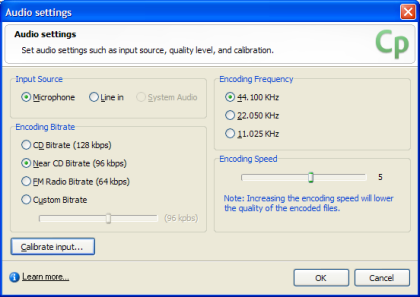
Adobe Captivate uses the system default microphone for audio input. MorphVOX Pro
must be running for morphing to work while doing your capture.
If you have not set the Screaming Bee Audio driver as your default please
click here
for
instructions on setting the driver before running Adobe Captivate.
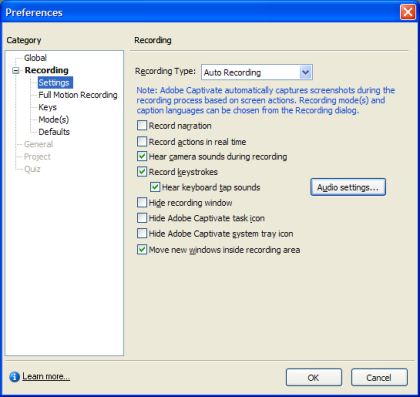
Set Adobe Captivate to use the default microphone drivers by first opening the
Preferences dialog from the Edit >> Preferences menu item on the main Captivate
application.
|