|
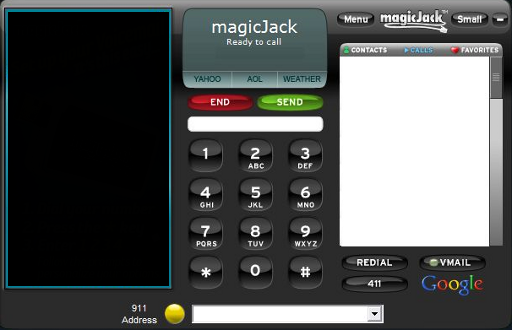
MorphVOX Voice Changer Software can be used with magicJack SoftPhone.
Just follow
the steps below.
-
Make sure you have a microphone hooked up on your computer and it is working correctly when calling from your computer.
We recommend a Headset microphone
(click here for suggestions)
-
Set your computer to use "Screaming Bee Audio" as its default microphone.
Click the following to explain more: Setting Default Microphone
-
Run MorphVOX Pro and make sure the "Listen" button is off
so you do not hear your voice when talking.
-
Check that MorphVOX Pro is using your computers real microphone. Do this by checking the
Device Settings panel in the MorphVOX Preferences menu.
- The magicJack SoftPhone program should now be using the MorphVOX output rather then directly from your computers microphone as it did before.
|