|
MorphVOX can be used with BATTLEFIELD 2 (BF2).
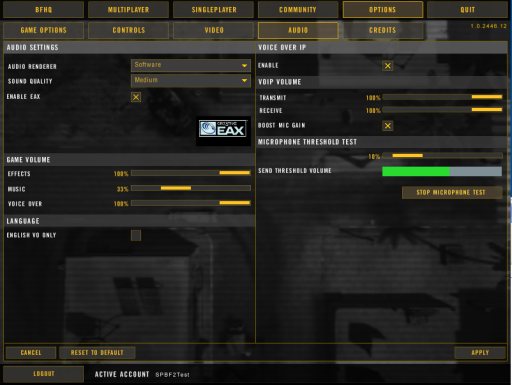
BF2 uses the system default microphone for audio input.
You will need to set the Screaming Bee Audio driver as your Windows default microphone. Please
click here
for instructions on setting the driver
before running BF2.
If you have not installed BF2 yet then we recommend running MorphVOX before installation
and leave it running during installation.
There is a program "BF2VoiceSetup.exe" in the Battlefield 2 folder that is run during
setup for VOIP. This program can be rerun at anytime. Be sure to run
MorphVOX first if you have the Screaming Bee Audio driver set as your default microphone,
or you will get no audio input while using this program.
|